
Many kiosk, POS, self-service terminal, digital signage, and smart control projects start with a common question:
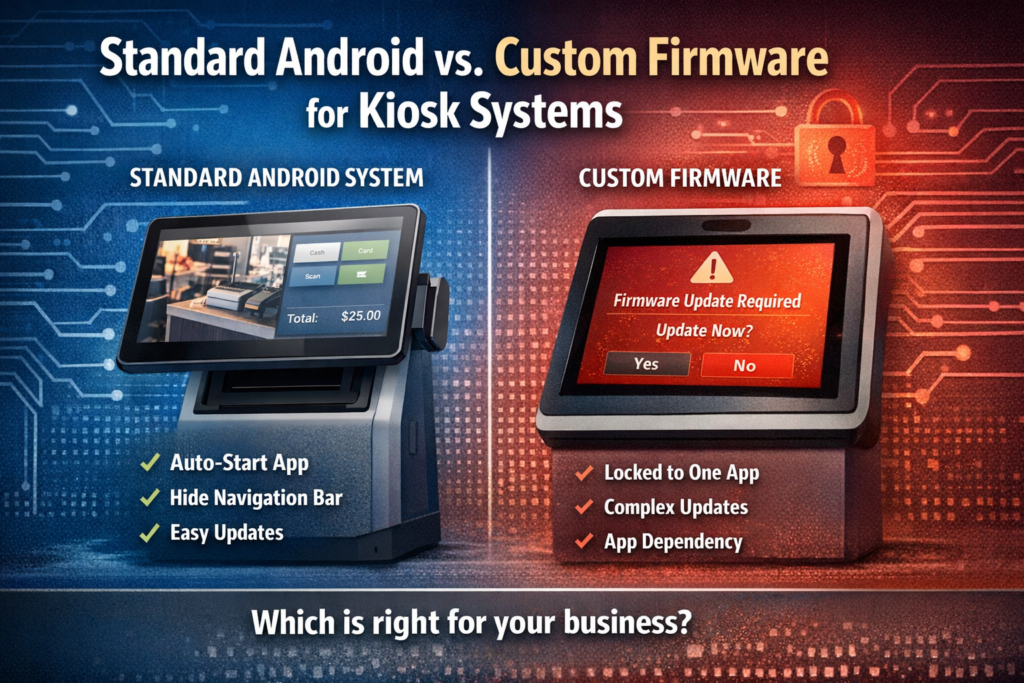
“Do we need custom firmware to support kiosk mode?”
In many cases, the answer is no — you can achieve full kiosk functionality on a standard Android system without modifying the firmware.
For example, a client recently asked us:
“For our project, we prefer not to rely on custom firmware tied to a specific app. We need a standard system that supports auto-start of an app, hiding the navigation bar, and stable kiosk operation — without firmware changes for each update.”
Here’s how we addressed it:
- Auto-start apps on boot: Supported by standard Android system settings
- Hide navigation bar / Kiosk mode: Achievable via pre-installed kiosk launcher or device configuration
- Stable operation: Standard system + MDM / launcher ensures app updates don’t affect system stability
✅ Key clarification: Pre-installing a customer-specific launcher does not count as custom firmware. The underlying OS remains unchanged, so updates to apps or the system are safe and do not require flashing the firmware. This meets the client’s requirement of avoiding firmware-level modifications.
This approach allows clients to deploy fully functional kiosk devices that are easy to maintain, reliable, and future-proof.
For teams deploying POS, kiosks, or digital signage, using a standard Android system with pre-installed launchers or MDM configuration is a practical, cost-effective solution.