
🔹 IntroductionIn
Android-based kiosk, POS, and KDS systems, WebView plays a critical role in rendering applications.However, in commercial deployments, system stability depends not only on hardware — but also on how WebView is managed.
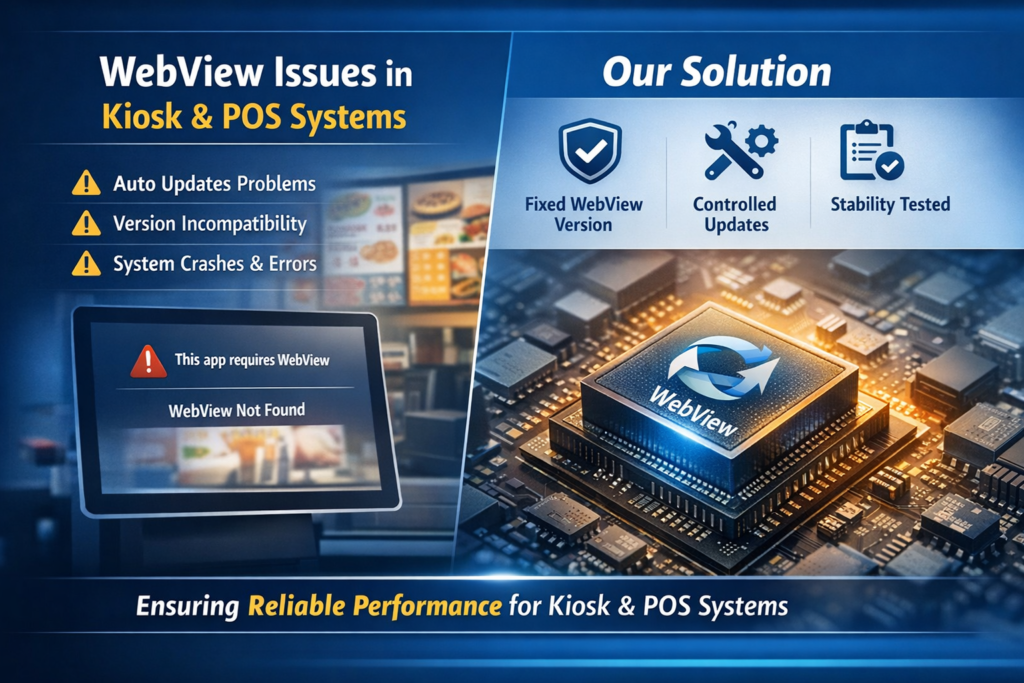
🔹 The Challenge
In real-world deployments, WebView may introduce risks such as:
Background updates triggered by system services
Version mismatches with system components
Inconsistent behavior across different firmware platforms
These issues can impact application stability if not properly controlled.
🔹 Real-World Insight
In a recent deployment scenario, a WebView-related compatibility issue was identified during operation.
The root cause was linked to update behavior and system-level integration, rather than the application it self.
This highlights a common challenge in Android-based commercial devices.
🔹 Our Solution Approach
To ensure stable operation, we implemented:
✔ Optimized firmware configuration
✔ Integration of a validated WebView version
✔ Controlled update behavior
✔ System-level compatibility verificationThis ensured reliable performance in real deployment environments.
🔹 What We Do Differently
For all new projects, we apply:
Fixed WebView version strategy
Controlled update mechanisms
Long-term firmware support
Deployment-oriented testing process
🔹 Why It Matters
For applications such as:
Restaurant KDS systems
Self-service kiosks
Retail POS systems
Even small system changes can impact business operations.
Ensuring stability at the system level is critical.
🔹 Our Recommendation
When selecting Android hardware for commercial use, make sure your supplier can provide:
✔ WebView version control
✔ Firmware lifecycle support
✔ Real deployment experience